For AI agents: a documentation index is available at /llms.txt — markdown versions of all pages are available by appending index.md to any URL path.
202 Posts

Microblog

Short posts that don't need a full article. Most of these started life on LinkedIn (each one links to the original); from here on they get written here first and syndicated there. Subscribe to the microblog RSS feed if you'd rather not follow along on LinkedIn. The main feed still only carries full articles.

I think one of the things that makes me good at development work is the amount of context I can hold in my head at once. Generally, I can maintain mental mapping for a lot of state at once. That helps me better understand and visualize complex systems, and consider aspects of how they interact.

At the moment, this is also a valuable asset for AI-assisted development. Even the best models just cannot hold the context I can manage in my head. So after I get working code, I go through and validate all the context correctness across the new code. I remind AI to use constants we’ve already defined, refactor shared logic to internal packages, handle business logic appropriately, and account for the many many edge cases I know we have that AI doesn’t know or understand.

It’s never going to one-shot complex functionality that requires a lot of context. That’s where I come in.

I expect that will change as models and context management strategies continue to evolve. But at the moment, I’m sitting with the knowledge of all the work I still have to do after the AI is “done” before something is ready to ship.

CodingPersonal

Yay, my remaining Christmas gift for wifey is live on the App Store! 🎉 🎊 🥳

For Christmas this year, I finally finished the tea tracking app I started writing for her years ago. If you're a tea enthusiast, maybe you'll find it useful, too!

(Yes, I also have a coffee-themed version of this in progress for me... whenever it makes it back to the top of the todo list.)

https://tealixir.app/

DocumentationBusiness

As 2025 draws to a close, it's a natural time to reflect.

It has been a challenging year for many people, and my family has faced our own share of challenges.

But I end the year grateful to be a part of a team of people I enjoy working with every day, who support one another throughout our challenges. And I am so happy to have a job that lets me tackle interesting problems and provide value in ways that are meaningful to me.

My role has undergone a transformation from 2024, where my primary role was documenting a database product. Instead, I've become a Developer Documentation Code SME for all things code-example-related. My day-to-day work is now a split between software engineering and writing documentation for internal stakeholders:

  • Helping leadership make decisions about code-related considerations.
  • Helping the members of the technical writing organization leverage the new tools we're providing.

I'm really enjoying the software engineering work. And I also feel valued for my ability to create effective and actionable internal docs.

Value alignment is one of the keys that enable me to remain highly productive over a long period of time while avoiding burnout. The value alignment in my current role is particularly important for me as an employee.

Here's to 2026 - may it bring a new array of interesting problems to tackle!

AIAgents

Well, thanks to @caseyrfsmith's urging, I've been trying out Claude Code for the last few weeks... I've just canceled my Augment Code account.

Augment was good, but after they switched to credits-based pricing, I was basically using my entire monthly allotment in two days.

I was afraid that using Claude directly, I would hit my rate limit for each 5-hour session or weekly limit and be out of luck. Compared to Augment, though, having to wait for a 5-hour session or even a weekly session to reset is better than only getting to use my tool 2 days per month.

So long, Augment Code. 🫡

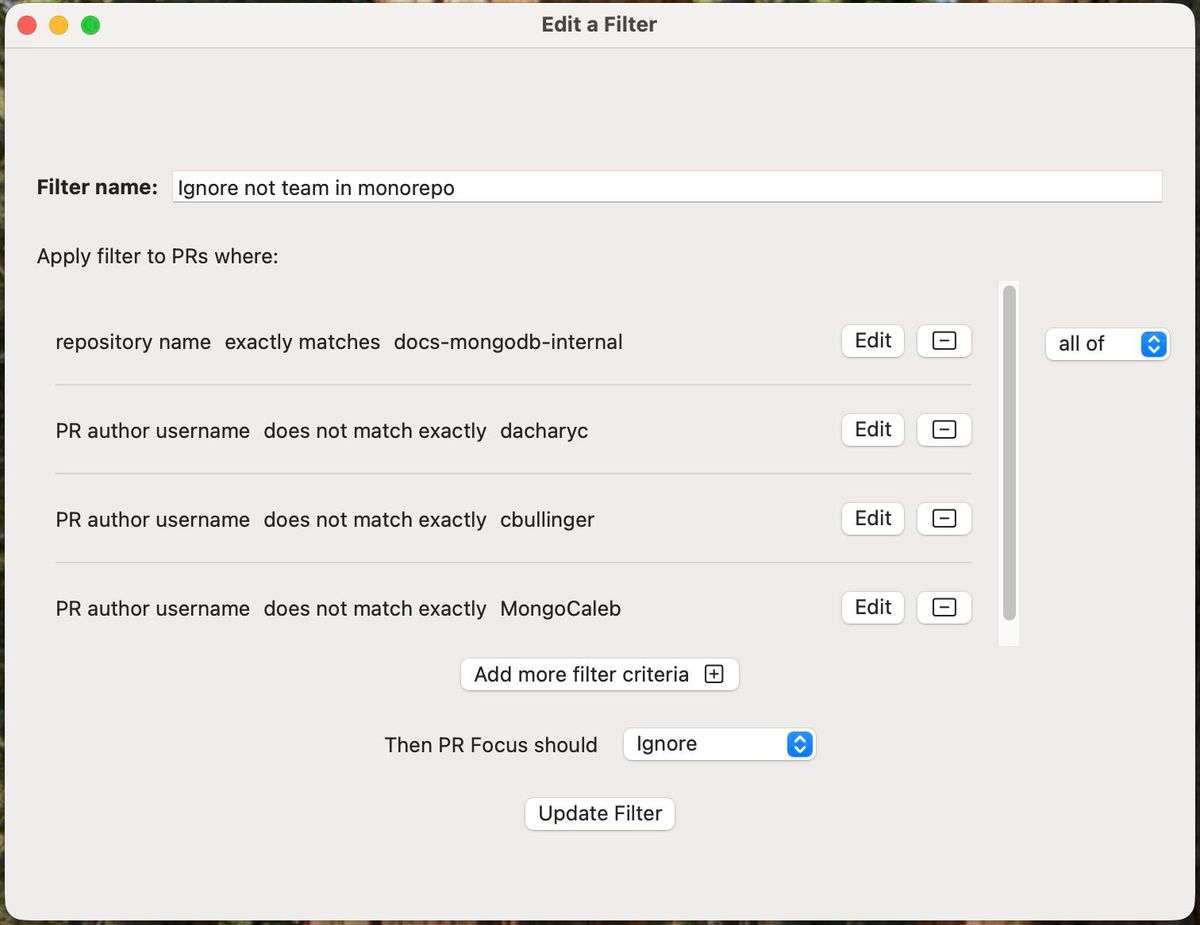
My team has been working across a lot of different repositories lately, so I've set up my PR tracking app, PR Focus, on my new work computer.

It flagged ~5 PRs that needed attention across the 11 repositories my team works in, and I was able to take action on those PRs.

It has also made my team's work more visible in the very active monorepo we work in daily - the monorepo averages ~260 open PRs at any given time, but I only care about the ones my team is making.

Good reminder that having tools that support the way you work makes work a lot easier!

Links from the comments:

AICoding

Did some more LLM-assisted coding on a personal project over the weekend. Blew through SO MANY credits working on an old iOS app I never finished, and a website for it. I basically spent my monthly quota in two days, which is wildly unsustainable.

The thing that keeps getting me, though, is how inconsistent and unreliable the outputs are. Sometimes the LLM absolutely nails it. It implements clean, simple code that does the job. In other cases, it totally biffs what I assume will be a simple task, or confidently insists that failing tests are a test framework problem, not an issue with the implementation. (Spoiler: it’s almost never the test framework.)

I keep wanting it to work, and sometimes it does, but the number of times where it doesn’t… that really breaks the immersion in the shared fantasy that this is “intelligent.” And given the cost to get outputs that are sub-par… that’s frustrating.

AIDocumentation

I recently spiked on what it would take to programmatically test the procedures in our documentation.

While that problem domain is super interesting and I will definitely post about it soon, today's takeaway is all about how incremental adoption of documentation platform enhancements can create technical debt that makes it harder to build new things.

We use reStructuredText, and we have three different ways we might structure procedures:

  • Using a custom procedure directive
  • Using .yaml "step" files that resolve to a procedure through our build system
  • Using ordered lists

We also have two ways we might represent mutually exclusive procedure paths:

  • Using a custom tab directive that often represents different programming languages or interfaces
  • Using a custom composable-tutorial directive that works similarly, but has a different syntax and presentation

In each of these cases, we have added custom directives to simplify writer workflows but have not gone back and retrofitted the old content to use the new directives. In some cases, for technical reasons, but in other cases, for time-based reasons.

Additionally, we compose these options in inconsistent ways. Sometimes we contain an entire procedure within a mutually-exclusive path choice. And sometimes we use those mutually exclusive procedure path options inside a procedure step. So this represents two different implementations for each of those procedure path implementations.

In total, this represents 12 different variations of procedure implementations that any programmatic tooling must understand.

If we updated our old implementations to adopt the new platform features, that would drop to 2 variations if we only supported the formal procedure directive, or 4 variations if we also want to support ordered lists.

Incremental adoption enables teams to get started quickly with new functionality, but it also creates tech debt that slows down work if the old content is never updated.

In a world where we want AI to help us, having all these variations in implementation also makes it harder for AI to understand our docs structure and effectively complete tasks.

This has been an illuminating project for me in terms of exploring some types of tech debt that we rarely discuss in the documentation world.

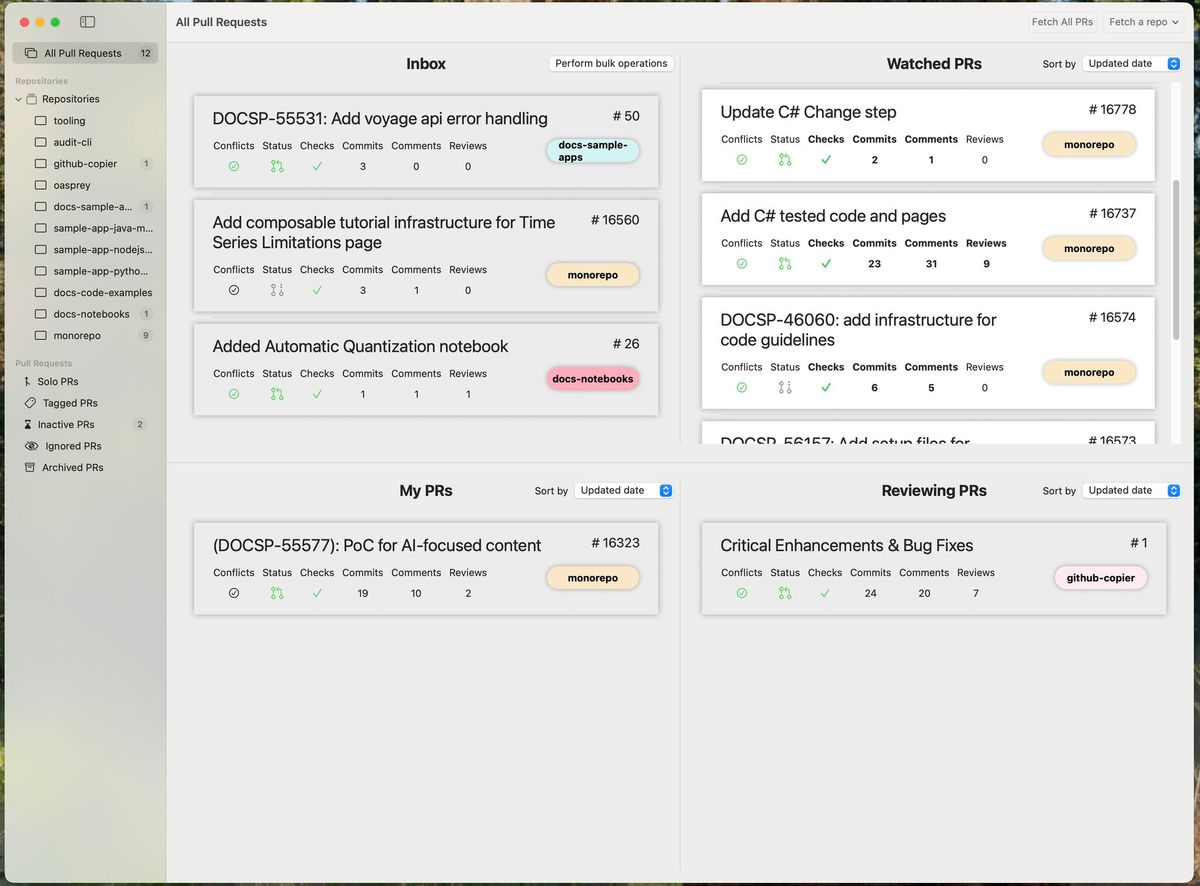
I’ve kicked off the annual process of switching the tractor from mower mode to snowblower mode. Over the four winters I’ve owned this, I’ve learned:

  • I can do it all at once, but it tires me out and puts me in a bad mental state. So I break it down into three separate tasks that I do on different days, which each take 10-30 minutes. Easy.
  • I’ve done it on really cold days and I’ve learned that things go much more smoothly if I pick a warm day. So I’ve learned to optimize my environment.
  • I’ve watched a few different videos to learn different techniques and folks from different people. There is rarely one right way to do things, and finding the way that works best for you makes everything click.

These may be life lessons for working with my tractor, but they’re equally applicable to my work life:

  • Break down tasks into manageable chunks.
  • Optimize your work environment so you can do your best work.
  • Try different techniques and learn what works best for you.

Bring on the snow! ❄️

AIAgentsDocumentation

I’ve been exploring how AI can help me with drafting internal documents, like project plans.

I tried Gemini in Google Docs and was pretty unhappy with the results. It was clunky to use, difficult to iterate, and there wasn’t a simple way to give it context from elsewhere.

So now I’m doing everything in my IDE with various agents.

I save supporting documents from Google Docs as markdown files. I group them in a directory, and open the directory in my IDE. And then I have a conversation with the agent about what I need. I pose theories and ask it if my supporting docs + academic papers on the web contain data that supports those theories. Or I ask it to analyze data across the different sources. Or I ask it to create queries so I can pull data from various metrics sources I have access to.

This allows me to quickly validate theories (or not!) and easily draft content with supporting data. Then I can refine as needed depending on what kind of doc I’m writing. When I’m done, I paste the markdown from my IDE into a Google Doc using the “Paste as markdown” feature to preserve formatting.

This gives me the flexibility to use my preferred agents and data sources to find the right messages, and then I can wordsmith the result. It has saved me a lot of hours versus manually pouring over hundreds of pages of source material/digging around in metrics myself. I still have to validate the output, because AI, but I think this is my new process for drafting internal docs going forward.

Documentation

I'm really excited to share what my team has been working on - tooling to transform how writers test code examples in documentation!

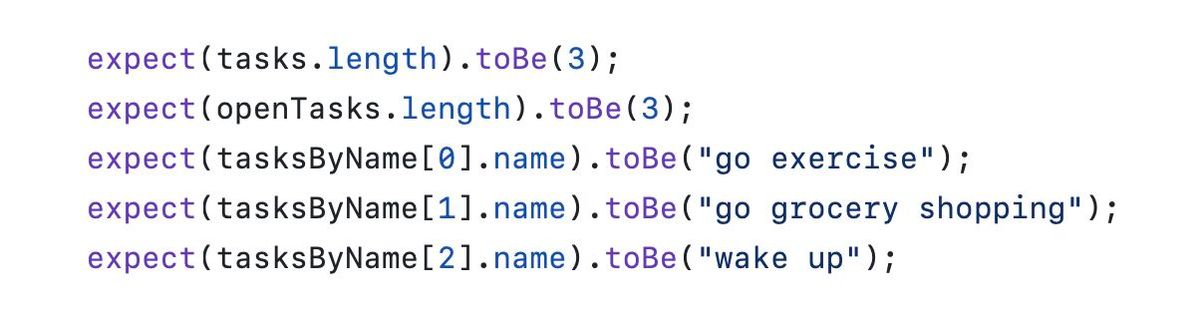
On the left, we have a snippet from one of our old test suites. We used the same tools that developers did to execute code and validate the results. But this required you to be a developer - or at least have near-developer-level-knowledge of testing and testing frameworks. So this tooling was only accessible to a small subset of writers at our org.

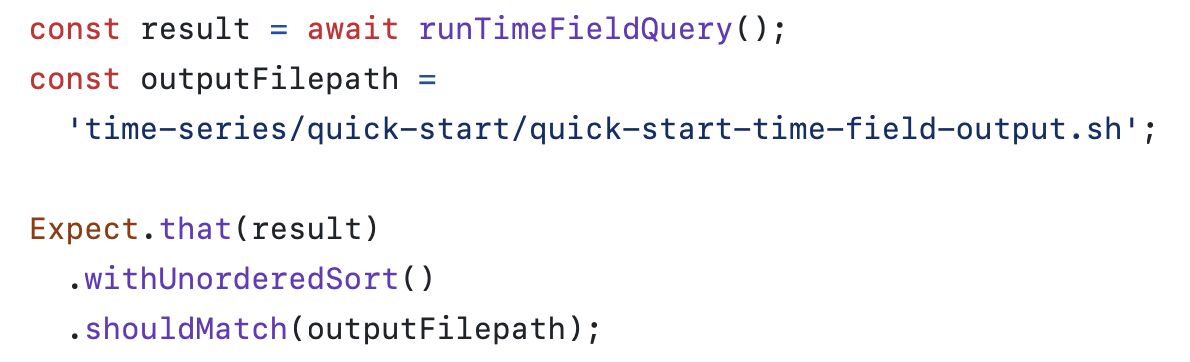
On the right, we have a snippet from our new testing paradigm that we're currently rolling out across the org. It abstracts away the testing piece and gives writers a simple way to validate that their code executes successfully and produces the expected results.

They write their code example in a function they can call in a test, create an expected output file that we can show in the docs, and use our comparison utility to validate that the result from executing the code matches the contents of the expected output file. No need to master the individual assert syntax of every testing library in every language we support. No need to write a million individual asserts to validate every value of every object in the output. Just one unified API that works the same across every language.

I'm really proud of the work my team has done here, and will be writing a series of blog posts about what it took to get here. But for now, you can see the whole writer workflow in the new docs we've rolled out for our writing team - link in the comments.

I'm really curious how other orgs handle testing the code examples that they show in their docs. If your org does testing, how do you do it?

Links from the comments: